

Coding Agent Cost Analysis: Tools and Approaches
Current approaches and tools for understanding and improving a team's coding agents' cost and workflows.
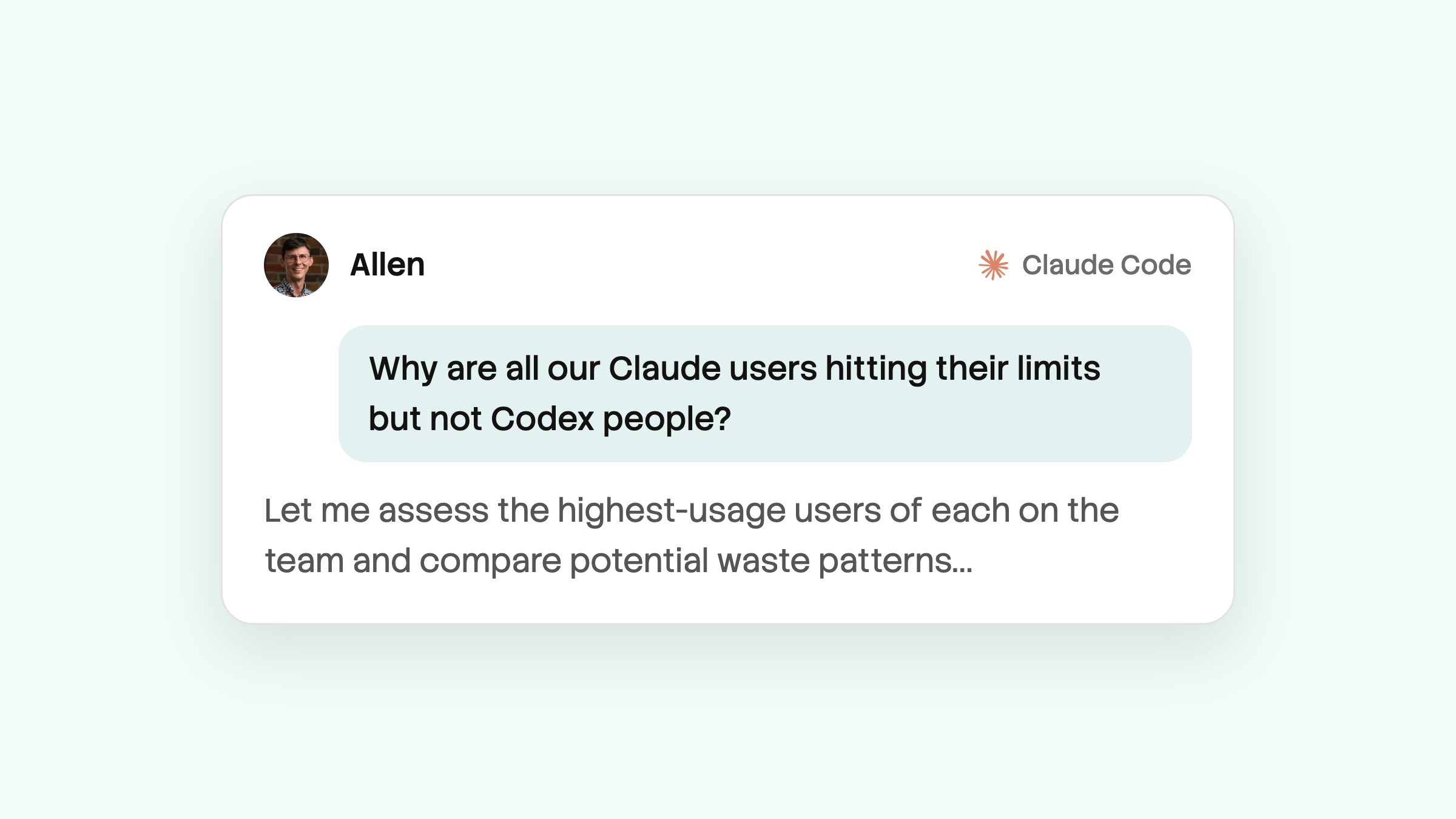
Every modern engineering team needs to understand how their coding agents are working, and how to make them work better. Cost overages, repeated mistakes, wasteful skills and MCPs, and misleading docs in team repos all confuse agents even more than they confuse humans.
There are various tools that help teams analyze and improve their agent spend and sessions. They range from the high-level analytics that Claude and Codex provide (like monthly spend per user) to full session and cost sharing that teams can query through MCP and use to remove wasteful or broken patterns.
Some analysis tools are built specifically for coding agents. Others are general AI gateways and observability platforms that can also see coding agent traffic. Here are the most common approaches tools are using today, and some of the options worth considering for each.
First-party vendor analytics
Anthropic and OpenAI both give admins a usage dashboard. Claude Team and Enterprise plans can see active users, sessions, accepted lines, and PRs written with Claude Code, plus a per-user spend export. API customers get daily spend per user in the Claude Console.
ChatGPT Enterprise, meanwhile, can show Codex credits and tokens by user, model, and surface. Business plans get lighter-weight cost analytics.
These are free and for most teams are already set up, so they’re a good starting point. But generally they only tell you who spent how much, not why. You can't see which task, repo, skill, or habit drove the cost, or what to change. They also don’t connect spend across your infrastructure – for example, a PR that cost $50 in Claude usage to draft, but $250 more in Bugbot review and auto-fix thrash.
Lastly, first-party analytics are generally more limited on the less-enterprisey plans. Startups and smaller teams often want to fully understand their spend, but for now stay in individual coding plans.
Coding agent session sync
Sync tools run a small client on each developer's machine, so they can share and analyze agent sessions across the team. Powerplant, Traces, and Mosaic take this approach. Entire is similar in concept, but only shares sessions alongside git commits, so it can only help analyze work that results in a commit, and only after it is pushed.
For example, Powerplant redacts secrets on the developer's machine and skips repos that aren't on the team's allowlist, then syncs to a secure server. Dev teams can then use agents to query sessions and find waste and patterns that point to doc and tool deficiencies via MCP.
When a team adopts these kinds of session-sharing tools, engineers can have their agents analyze where spend goes and which mistakes are recurring, then they can fix wasteful guidance, docs, skills, and defaults across their entire repo or company.
Developers who are still learning a codebase, or learning to work with agents, can also benefit from seeing how teammates handle the same problems.
Coding agent telemetry
A number of tools collect high-level cost and behavior metadata from coding agents without sharing or analyzing the sessions themselves.
Opik's Cost Intelligence, for example, runs a local proxy on each developer laptop. It captures metadata and cost metrics, breaks cost down into buckets like system prompt, MCP servers, and skills, and forwards each request unchanged to the model provider. In theory, this can give some of the benefits of a central proxy without moving your coding agents to API pricing, though we couldn't confirm from their docs that it works with Claude or ChatGPT subscription plans.
Dash0 uses a Claude Code plugin that sends OpenTelemetry data to its AI Coding Insights dashboards, for Claude Code and Cursor. It shows cost per session, developer, repository, and model, alongside merge rates and cycle time.
While these tools don’t necessarily give coding agents the detail necessary to level up skills, docs, and otherwise iterate a team’s repo for agent effectiveness, they can give useful feedback about whether optimizations like these are having an impact.
Developer metrics platforms
DX platforms like Swarmia, LinearB, Jellyfish, and DX measure engineering throughput: cycle time, PR flow, and now AI adoption and ROI. Exceeds is an interesting variant, as they seek to associate AI spend with the commits and PRs it produced.
While these tools often seek to answer "is AI paying off?" more than "how should our agents work differently?", they pair well with the tools above.
General AI gateways
A gateway can sit between your agents and the model provider. Trimio, Portkey, Helicone, and LiteLLM work this way. Since every request goes through the gateway, it can log cost per request and attribute it to whichever key made it. Portkey and Helicone are also full AI observability platforms originally intended for non-coding LLM use cases, and they log each coding harness request and response in detail.
One tradeoff here is billing and licensing. Most gateways track costs per developer by giving each developer their own key, but Claude Code bills these requests per token instead of against a more cost-effective Claude subscription. Teams on seat plans generally have to move to API billing in order to use these kinds of gateway tools.
Some gateways also rewrite requests or route them to cheaper models. That can save money, but it can also make agent behavior harder for developers to improve and reason about, so it’s a tradeoff.
General LLM observability
Braintrust and Langfuse are general LLM observability platforms that capture every turn of AI agent sessions through hooks, proxies, or OpenTelemetry. They're built for evaluating and debugging LLM apps, though, not for coding work specifically. This means admins can get full detail, but will generally need to build the coding-specific insights and workflows themselves, harness by harness, on top of these more general o11y products.
The limits of general tools for coding agents
General gateways and observability tools can be useful, but share two challenges when trying to make coding agent sessions more efficient or effective.
First, coding sessions can be full of secrets: tokens and keys show up in tool calls, tool output, and config files. With observability tools, users need to either host infrastructure that redacts secrets, or trust that secrets get redacted on the vendor's servers before anything is shared among team members.
Second, these tools generally don't scope coding sessions by the repo access that team members already have. A log of the whole team's sessions spans every repo anyone worked in, including non-coding conversations about HR or other sensitive topics. So in practice, they're mostly useful either for high-level metadata that can be shared widely, or for super-admins to go in and diagnose. They don't help a team broadly learn from each other's sessions, or help engineering leaders improve how the team actually works with AI – improving AGENTS.md, iterating skills, and improving workflows to reduce costs.
Which approach to try next?
Most teams start with first-party analytics, then add one deeper layer when the bill or the mistakes get hard to explain, and they want to push harder on AI coding across their team.
If you want to know why your agents spend what they spend, and what to change to get things moving more efficiently, session sync products may be the best bet. On the other hand, if you need hard budget enforcement and already pay per token, a gateway may be a good next step.
Either way, if you're working to level up how your team’s coding agents operate, and have either found something really effective or would like to hear what we’ve been learning as we help other teams do so, we’d be happy to chat!
Note: This post was written on Oct 5, 2026 but this is a fast-moving space. If you have any additions or corrections, let us know.